
1. On your phone or other device, go to https://padlet.com/charleslaux/lhso-introductions-26-27-m2j90j262aznjuxa
2. Click the + button at the bottom to add your entry.
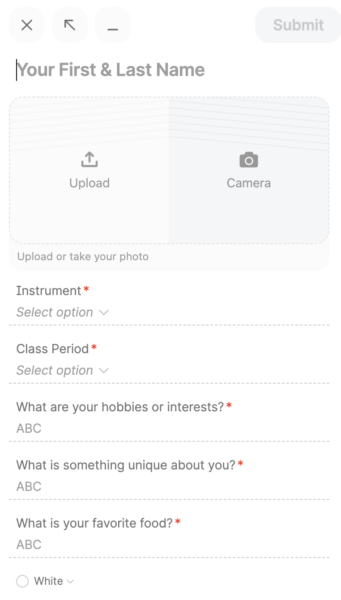
3. Fill in your first & last name, upload a photo of you, then answer the questions about your class, your instrument, your hobbies, etc.
4. Click the submit button.
That’s it!
Check back to the Padlet to learn more about your classmates!